


New bookingConfirmedProposal sent
Apartment with a balcony
18,000,000 ₫
Choose an alternative


Your AI agent answers customers and helps you manage your work. Instead of long back-and-forth, you get a ready order and your customers get fast, easy service.
Start in Telegram





New bookingConfirmedProposal sent
Apartment with a balcony
18,000,000 ₫
Choose an alternative

New bookingConfirmedProposal sent
Gel manicure
350,000 ₫
Choose an alternative

New orderConfirmedProposal sent
Two lunch sets to go
240,000 ₫
Choose an alternative

New rentalConfirmedProposal sent
Automatic scooter
1,400,000 ₫
Choose an alternative

New orderConfirmedProposal sent
Red rose bouquet
1,200,000 ₫
Choose an alternative

New bookingConfirmedProposal sent
Personal training session
250,000 Rp
Choose an alternative

Tell @lobbbybot about your service and how customers book or order. The agent builds your storefront around the way you work.
1
Send a message, a photo of your menu, a price list, any file or a link to your website. The agent reads the names and prices itself and puts them into your storefront.
2
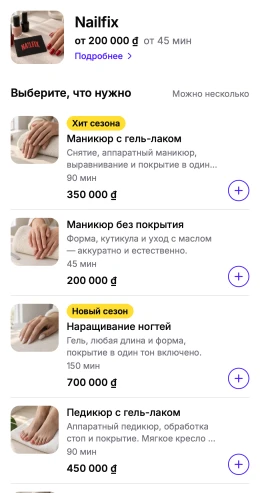
The agent adds your services, photos and prices, with booking slots or the ordering flow you need. Ask for changes in the chat.
3
Your business gets its own bot and storefront. Customers book or order inside Telegram, and each request reaches you with buttons to respond.
Explore real example storefronts as a customer. Open @lobbbybot and choose “Шоурум” (Showroom) from the menu.
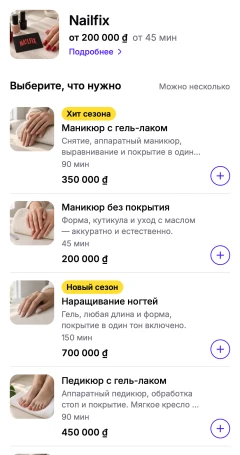
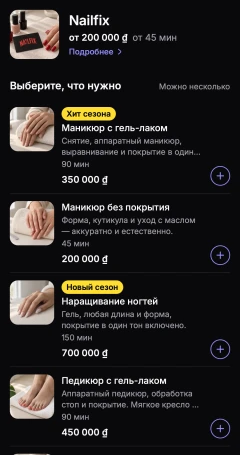
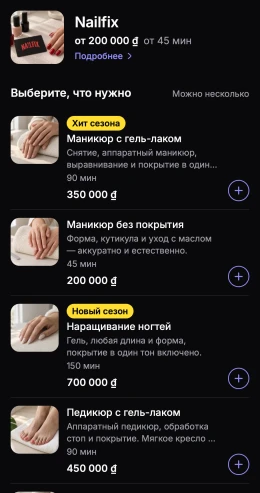
Nail appointments
Nailfix


Food delivery
Dada Pizza
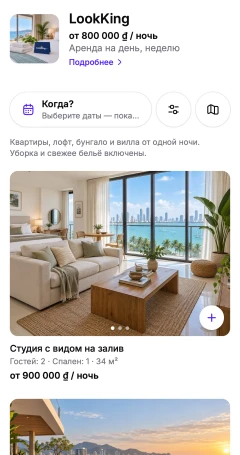
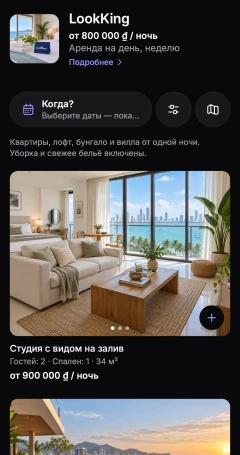
Accommodation and rentals
LookKing
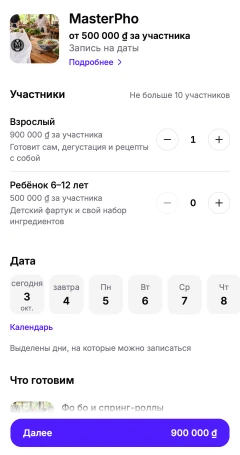

Workshops and tours
MasterPho
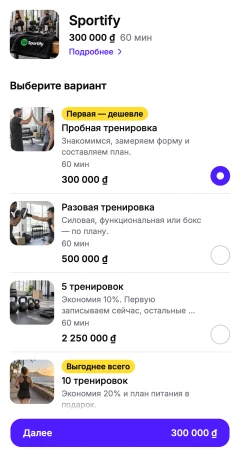
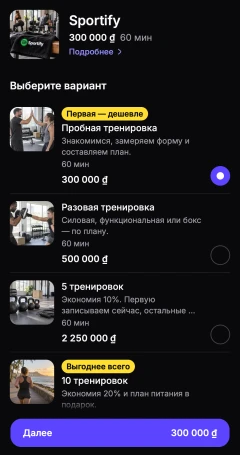
Fitness classes
Sportify
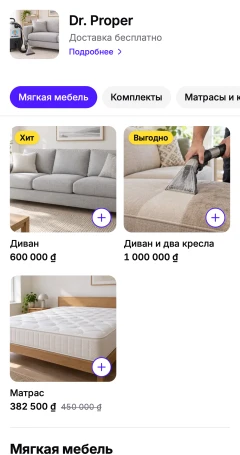
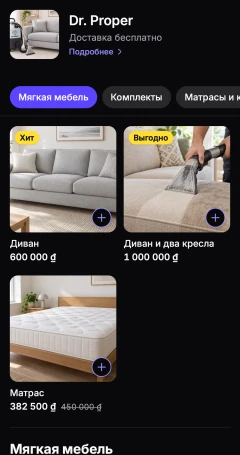
At-home services
Dr. Proper


Coffee orders
Starbeans
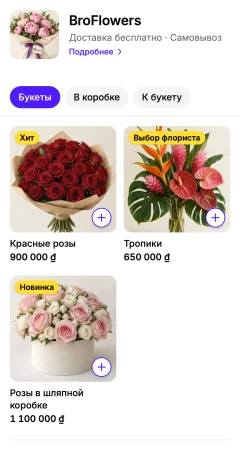

Flower orders
BroFlowers
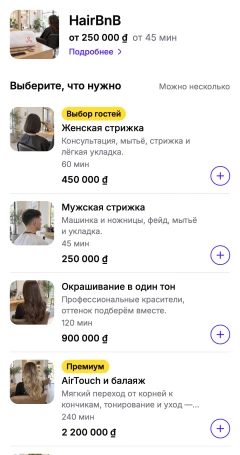
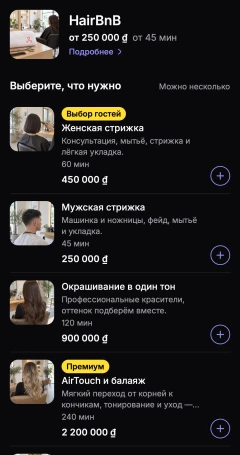
Hair appointments
HairBnB
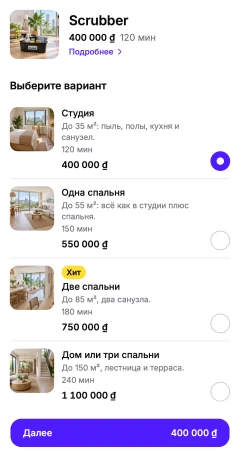
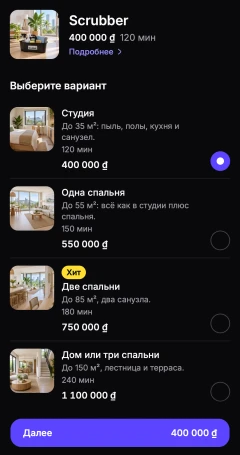
Cleaning services
Scrubber
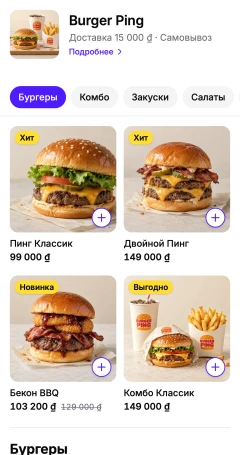

Burger delivery
Burger Ping


Scooter and car rental
Crab
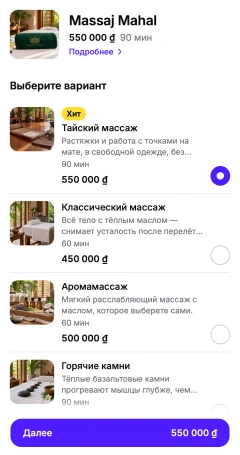
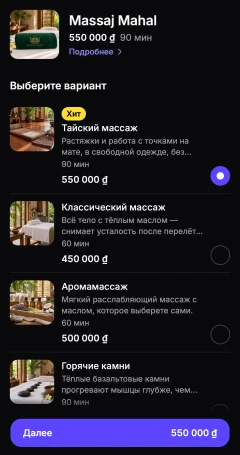
Massage bookings
Massaj Mahal
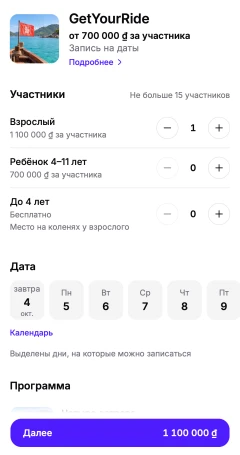

Excursions and tours
GetYourRide
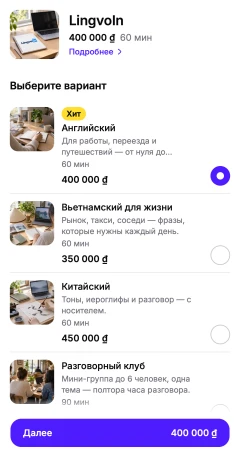
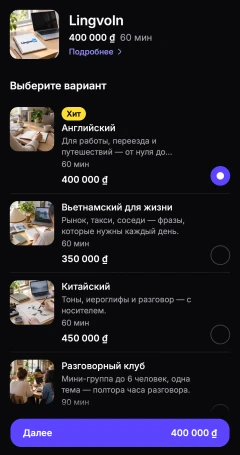
Language lessons
LingvoIn
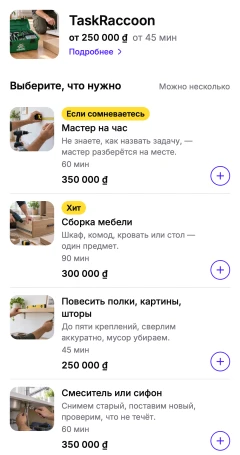
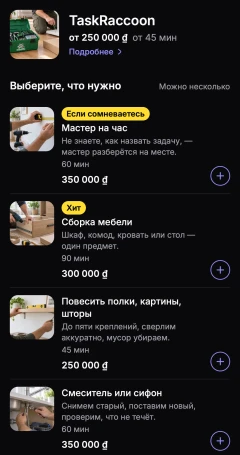
Handyman services
TaskRaccoon
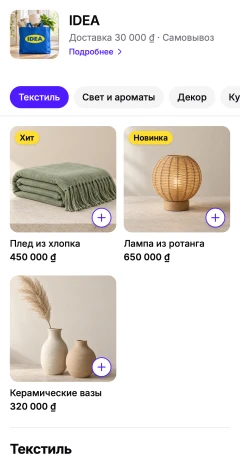

Home goods
IDEA
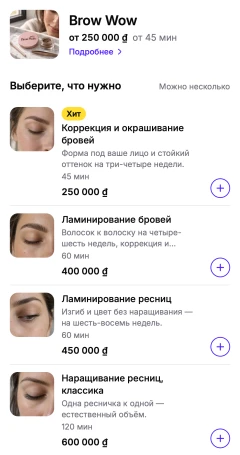

Brows and lashes
Brow Wow
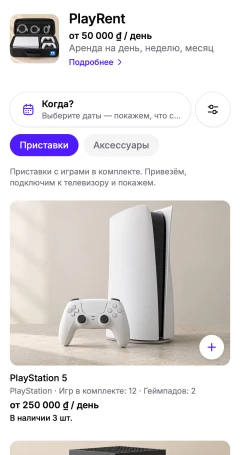
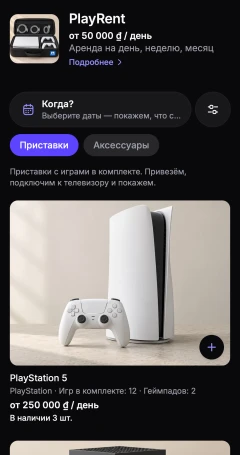
Game console rental
PlayRent
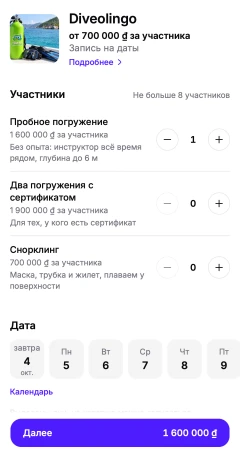

Diving
Diveolingo
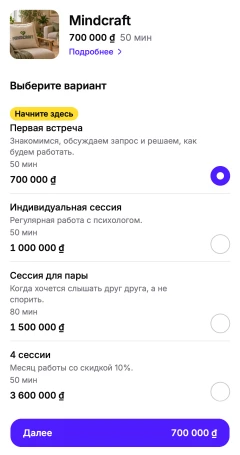
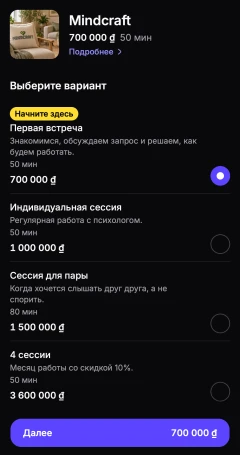
Therapy sessions
Mindcraft
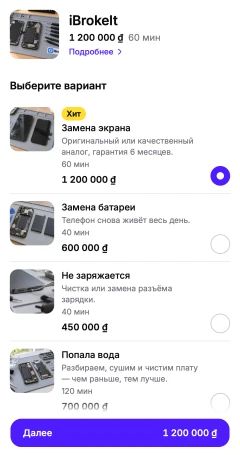
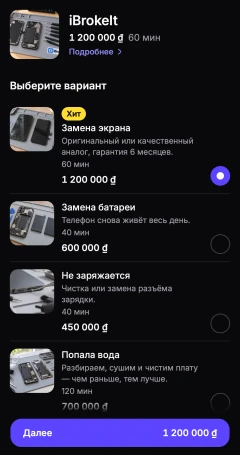
Device repair
iBrokeIt
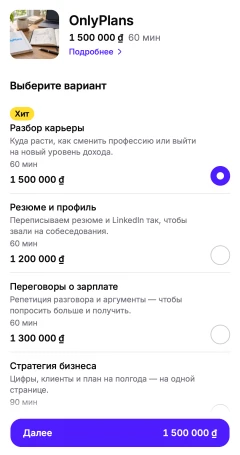
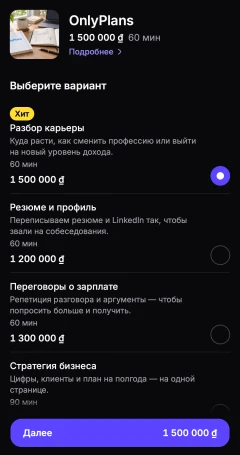
Career consulting
OnlyPlans
Open the owner console inside your business bot to manage the day. Your tasks, knowledge base and automation rules are there too.
Start with requests waiting for your decision. See today’s timeline and the week in numbers.
Find an order with search and filters. Record payments and deposits yourself when the customer pays you.
Set available slots, days off and special hours. Check event seats, move a booking or cancel it with customers notified.
Edit prices and descriptions, manage menu stock or block rental dates. Preview as a customer and restore an earlier version when needed.
See past orders and keep notes on each customer. Public ratings appear after three reviews.
Look back over 7, 30 or 90 days. See popular services, your busiest days and hours, and how full your events are.
Fewer things to remember yourself
You give it the jobs that interrupt your day. Your customers get help choosing and booking, even when you’re busy.
For you
Describe what you need or send a menu photo, price list, document or a link to your website. The agent reads it all itself and builds the storefront, and can search the web for service photos.
Ask it to create a task with a due date. It reminds you when that task needs your attention.
“After I mark an order as paid, send directions.” The agent sets up the automation; important actions need your confirmation button.
Ask which services get booked or look up a customer’s orders. The agent answers from your business data.
Get a morning and evening summary. If a request is waiting for your answer, the agent reminds you.
For your customers
Customers can write at any hour. The agent replies in their language and makes clear that it’s an AI assistant.
The agent helps customers choose a service, then makes the booking or places the order in the conversation.
Questions about prices or how to get there get answers from your storefront and knowledge base.
The agent remembers what a customer told it and their past orders within your business. They don’t have to repeat the same details each time.
When it doesn’t know, it says so and asks you. Your answer goes into the knowledge base, so next time the agent answers on its own.
You might be with a client, at the stove or showing an apartment. Customers can still book while you’re doing the work.
Nail studios
Cafés
Scooter rentals
Apartment rentals
Florists
Personal trainers
Those six businesses are just examples. Tell the agent what you do in one message, and it puts together your Telegram storefront.
Payment happens outside Lobbby, using the method you arrange with your customer. Lobbby takes no commission on orders.
The agent needs your confirmation in Telegram to change prices or key terms, or delete anything.
Your customers and business data are kept apart from every other business on the platform.
The agent identifies itself as an AI assistant. It doesn’t pretend to be you or a member of your team.
Available now
Free
Use Lobbby for your business at no cost while early access lasts.
Later
Paid plans
Paid plans will follow early access. Prices have not been announced.
No extra app or website is needed. Customers open your storefront and place orders inside Telegram.
Early access is free. Paid plans will come later; prices have not been announced.
Customers pay your business directly, outside Lobbby. Lobbby does not process those payments or take a commission on orders.
Appointments, delivery or pickup orders, and rentals with several items and their own dates. You can also offer seats on events or tours and take requests with photos.
Describe what you need to the agent, or send a menu, a price list, any file or a link to your website: it reads the details and builds the storefront itself. Launching, price changes, deletions and changes to key terms need your confirmation button in Telegram.
The agent chats in the customer’s language. The storefront interface is currently Russian only.
Open @lobbbybot and tell it about your business. The agent will help you set up your storefront and start taking orders.
Start with LobbbyHere’s a cookie
Essential storage remembers your language and theme. With your consent we also count visits anonymously, so we can see what on the site is useful. Learn more


